LocalTalk over UDP
Snow supports bridging LocalTalk over UDP multicast ('LToUDP'), compatible with other emulators that implement this and real Mac hardware through an adapter such as the TashTalk.
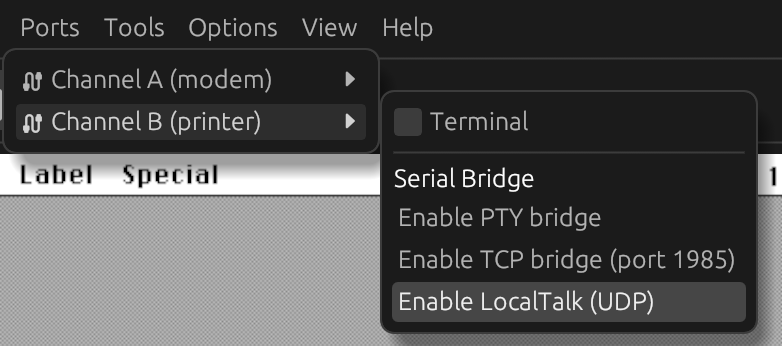
By default, MacOS will use serial port B for LocalTalk. To enable LToUDP, enable the bridge through the
'Ports' -> 'Channel B (printer)' -> 'Enable LocalTalk (UDP)', or start Snow with --serial-bridge-b localtalk.
The bridge setting is saved in the workspace, so it is re-enabled the next time the workspace is loaded.
Network information
On the network, LToUDP uses multicast address 239.192.76.84 and port 1954. The protocol is UDP.
Troubleshooting
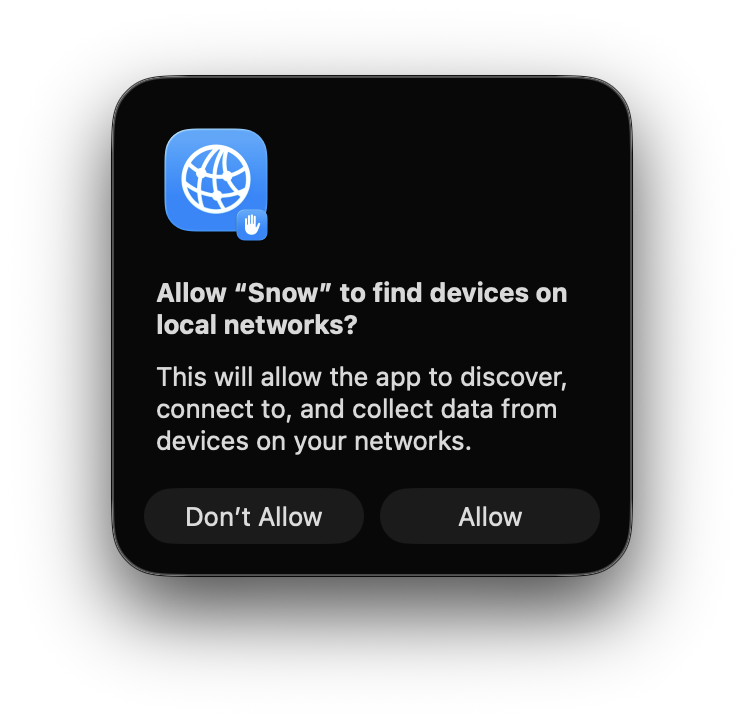
When running Snow on MacOS, you may see the following prompt to allow permission to discover devices on the local network. Approve this prompt.